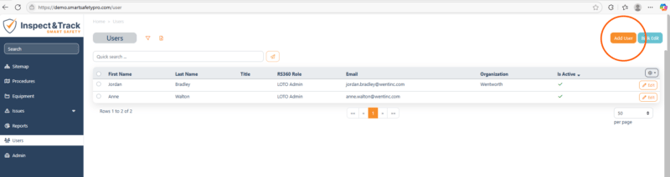
To create a new user, navigate to the User screen and select the Add User button.
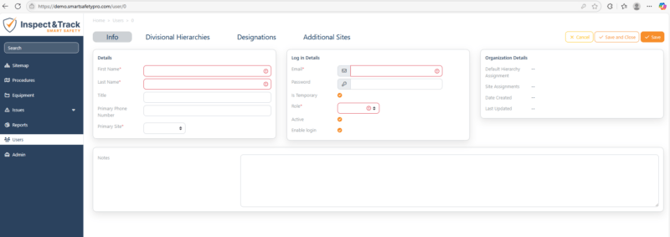
Each user must have a unique email address associated with their account so that the system can properly track user actions. First name, Last name, password, role, and primary site are the other required fields.
When creating a new user, you have the option of setting a temporary password. This feature will allow the new user to sign in once and then require them to change their password.